
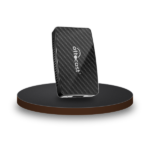




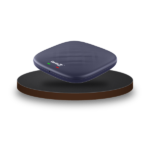
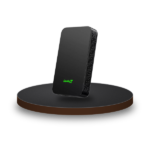
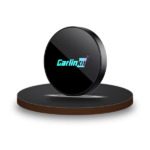
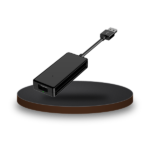
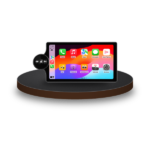



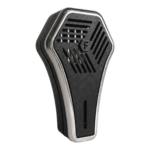


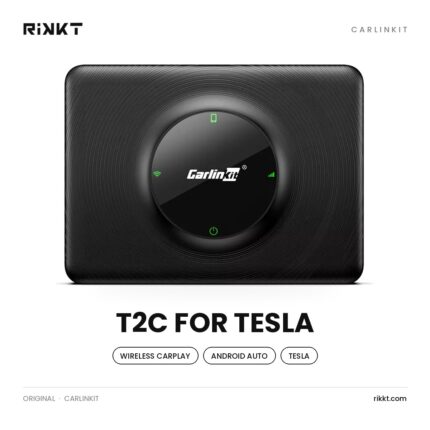
Bring wireless CarPlay and Android Auto to your Tesla screen.
-29% Sold out
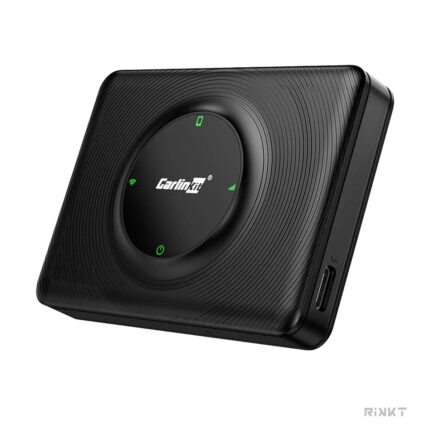
How to choose
- Works with Tesla Model 3, Y, S and Cybertruck; Model X is not recommended.
- Before 2018 models need the Chrome 94 browser or newer.
Full comparison
Swipe the table sideways on mobile. "Not published" means the maker does not state it.
Tesla
| Comparison point | Carlinkit T2C for Tesla |
|---|---|
| The basics | |
| Device type | Tesla CarPlay adapter |
| System | Shows your phone only |
| Works without your phone | No |
| Performance | |
| Processor | Not published |
| Memory card | No |
| CarPlay & Android Auto | |
| Wireless CarPlay | Yes |
| Wireless Android Auto | Yes |
| Connects by itself when you start the car | Yes |
| Keeps the car touch screen, buttons and mic | Tesla screen through the browser |
| Siri / Google Assistant | Yes |
| Entertainment | |
| YouTube & Netflix on the car screen | No |
| Google Play (install apps) | No |
| Phone screen mirroring (AirPlay / Miracast) | No |
| Split screen | Yes |
| HDMI out (rear-seat screens) | No |
| HDMI in (TV stick, console, laptop) | No |
| Connectivity | |
| SIM card / 4G | No |
| Wi-Fi | Dual-band 2.4 / 5 GHz |
| Bluetooth | 4.2 |
| GPS | From your phone |
| Compatibility & installation | |
| Your car needs | Tesla Model 3, Y, S, Cybertruck (X not recommended) |
| iPhone | iPhone 6 or later, iOS 10+ |
| Android phone | Android 11 or later |
| Installation | Plug into the Tesla USB + browser setup |
| Software updates | Over the air |
| Power use | 3W |
| Size | Not published |
| Extras | Waze and Google Maps on the Tesla screen |
| Warranty | Not published |
| Our verdict | |
| Best for | Tesla owners |
| Price (EGP) | 4,769 |