
Wireless CarPlay Disconnecting or Not Working? Fixes for Wireless CarPlay and Android Auto Problems

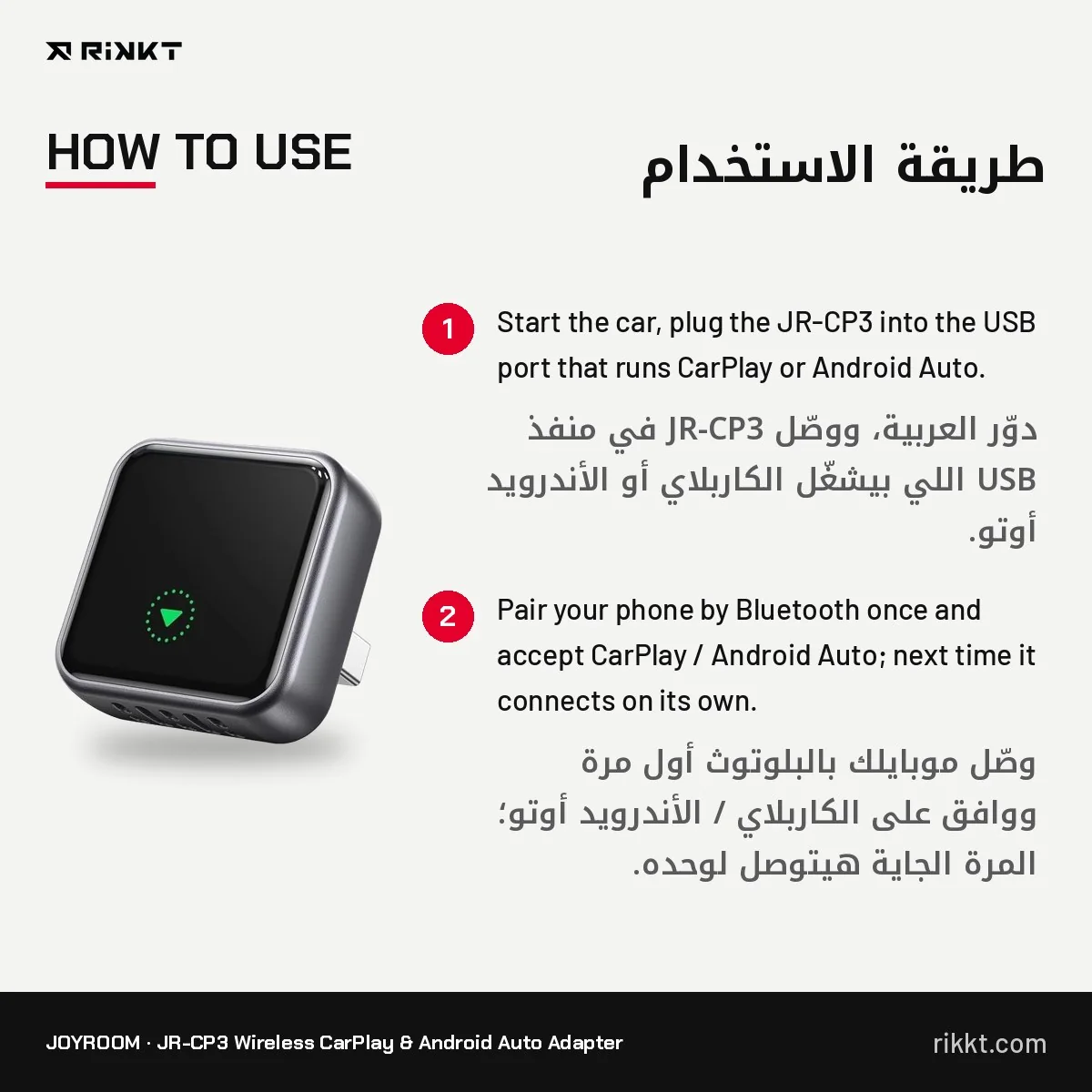
A customer messaged us on WhatsApp yesterday: “The adapter worked perfectly the first week, and ever since, my wireless CarPlay keeps disconnecting in the middle of the Ring Road, and sometimes it won’t connect at all.” We asked him for just two things: make sure Wi-Fi is on in his phone, and switch the USB port. Fifteen minutes later he wrote back: “It works.” We get this message in different forms every week, along with its siblings: Android Auto wireless won’t connect, the audio cuts out, the phone gets hot.
The good news is that most of these problems have known causes, and you can fix them yourself in minutes. We’ve gathered here what we tell our customers, in order, from easiest to hardest.
Quick Table: Problem and Fix
| Problem | Most likely cause | Fix |
|---|---|---|
| Won’t connect at all | Wi-Fi off or an old pairing | Turn on Wi-Fi, delete the pairing and pair again |
| Disconnects and reconnects | Weak USB power or another Wi-Fi network | Change the port, and forget nearby saved networks |
| Audio cuts out | Bluetooth or 2.4GHz interference | Reduce connected devices, and use 5GHz if available |
| Screen lag | Nature of wireless connections or outdated software | Update the adapter and try a restart |
| Phone gets hot | Wi-Fi + GPS + sun | Charge while driving and keep it out of the sun |
If the table didn’t solve your problem, read on for the details.
First Things First: Does Your Car Support CarPlay at All?
A wireless CarPlay adapter turns your car’s wired CarPlay or Android Auto into wireless. So if the car doesn’t have factory wired CarPlay to begin with, the adapter won’t work no matter what you do. Test first: connect your phone with a cable; if CarPlay or Android Auto appears on the screen, your car is ready for the adapter.
Also, not every USB port in the car runs CarPlay. In many cars there’s only one data port (usually marked with a phone or CarPlay icon), and the rest are for charging only. Plug the adapter into the port that worked for you with the cable.

Wireless CarPlay Won’t Connect at All
- Turn on both Bluetooth and Wi-Fi: pairing starts over Bluetooth, and then video and audio move over a direct Wi-Fi link between the phone and the adapter. If Wi-Fi is off, wireless CarPlay won’t work.
- Delete old pairings: on the iPhone, go to Settings, General, then CarPlay, choose the car and tap Forget This Car, delete the phone from the car’s screen, and then pair again.
- On iPhone: make sure Siri is on, and that CarPlay isn’t blocked by Screen Time under Content & Privacy Restrictions.
- On Android: wireless Android Auto needs a phone running Android 11 or newer that supports 5GHz Wi-Fi; update the Android Auto app and Google services.
- Turn off VPN and Hotspot: both can stop the phone from connecting to the adapter’s Wi-Fi.
- Turn the car off and on again, and restart your phone: this alone fixes a lot of problems.
Android Auto Wireless or CarPlay Disconnects and Reconnects
- Weak power: some USB ports don’t supply enough power, so the adapter drops out for a moment and comes back. If its light goes off after a few seconds, try another port, and avoid USB hubs and long extension cables.
- The phone connects to another network: if your home or work Wi-Fi is saved on it, it may leave the adapter and jump to that network while you’re parked nearby. “Forget” the network causing the problem or turn off auto-join for it.
- Battery saver: power-saving mode on some phones shuts down background connections. Exclude the Android Auto app from it.
- Heat: in Egypt’s summer, if the adapter is in direct sun and the phone is hot on the mount, both can slow down or disconnect. Keep the adapter somewhere hidden from the sun.
- Outdated software: many adapters get updates, so update yours if it supports that.

Audio Cutting Out or Lag
To be honest: any wireless CarPlay has a slight delay compared to wired, because video and audio are sent over Wi-Fi. You usually won’t notice it with maps and music. But if the lag is obvious or the audio cuts out:
- Reduce the number of devices connected over Bluetooth at the same time (watch, earbuds, another car).
- If the adapter supports 5GHz, keep it on that; it’s usually less crowded and has less interference than 2.4GHz.
- Don’t put the phone in a pocket or a metal compartment far from the adapter.
- If quality drops and the phone is hot, let it cool down and try again.
Phone Gets Hot and the Battery Drains Fast
Wireless CarPlay runs Bluetooth, Wi-Fi and GPS together, so it’s normal for the phone to use more battery than with a cable. Charge while driving with a good car charger or a wireless charging mount, take off a heavy case in summer, and keep the phone out of direct sun on the dashboard.
When Is the Problem the Adapter Itself?
If you’ve tried everything above, tried another phone and the problem is still there, or the adapter gets very hot and disconnects even in mild weather, you probably need to replace it. Some adapters support both CarPlay and Android Auto, so they work if your household has both iPhone and Android. And if you’re weighing an adapter vs an AI Box vs a screen, read the wireless CarPlay guide for Egypt.
If You’re Replacing the Adapter: Our Picks
- Small flash-drive 4-in-1 adapter: wireless CarPlay, Android Auto and screen mirroring priced at 2,250 EGP.
- The same 4-in-1 adapter with a short braided cable priced at 2,250 EGP.
- Small Magnetic Mini adapter with a clean look in the console priced at 1,650 EGP.
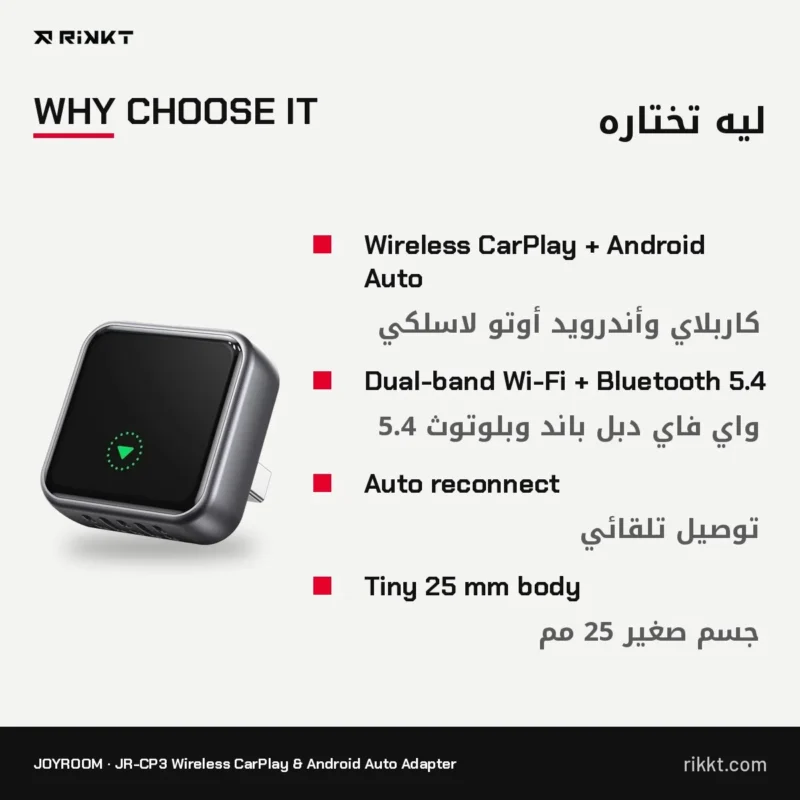
- JOYROOM JR-CP3 CarPlay and Android Auto adapter priced at 2,399 EGP.
- Yesido KM32 adapter that switches between CarPlay and Android Auto with one touch priced at 2,199 EGP.
- Yesido KM29 wireless CarPlay adapter with Wi-Fi 6 priced at 1,999 EGP.
Delivery all over Egypt in 2–5 business days, with cash on delivery or InstaPay, and you can inspect your order when you receive it.
Frequently Asked Questions
Why does wireless CarPlay need Wi-Fi?
Bluetooth only handles pairing, but video and audio travel over a direct Wi-Fi link between the phone and the adapter. It doesn’t need internet, but Wi-Fi must be turned on in the phone.
Will the adapter run CarPlay in a car that doesn’t have CarPlay?
No. The adapter only turns wired CarPlay into wireless. If your car doesn’t have CarPlay, the solution is an Android screen with a frame made for your car model.
My Android phone is old; will Android Auto wireless work with it?
According to Google, wireless needs Android 11 or newer and a phone that supports 5GHz Wi-Fi. If your phone is older, use the cable.
Why does the adapter disconnect shortly after I start the car?
Usually the USB port’s power isn’t enough or there’s a momentary voltage drop when the engine starts. Try another port, and don’t use a USB hub.
Can an iPhone and an Android use the same adapter?
If the adapter supports both CarPlay and Android Auto, yes, and you switch between them from the settings or with a button depending on the model. Read the product description before you buy.
Want wireless CarPlay that just works? Check out all the CarPlay and Android Auto adapters at Rikkt and choose the one that suits your car and phone.
Sources
- Apple Support – steps to fix iPhone connection problems with CarPlay (Siri, Screen Time, Bluetooth and Wi-Fi, Forget This Car)
- Android Auto Help – wireless Android Auto requirements: Android 11 or newer and 5GHz Wi-Fi
- Android Auto Help – setting up Android Auto and pairing over Bluetooth with Wi-Fi turned on
- Wikipedia – how wireless CarPlay works (Bluetooth then Wi-Fi), and adapters that need wired CarPlay in the car
Choose your car to see what fits
Brand, model and year, and we show you what fits